One page, four audiences: what a landing page did for BeCURE
An institutional page lists what an organisation has. A landing page answers what a visitor came to find out. How we rebuilt a research centre's web presence around that difference, and why it matters for any business that talks to more than one kind of person.
Adí Aviram
Case study · · 6 min read

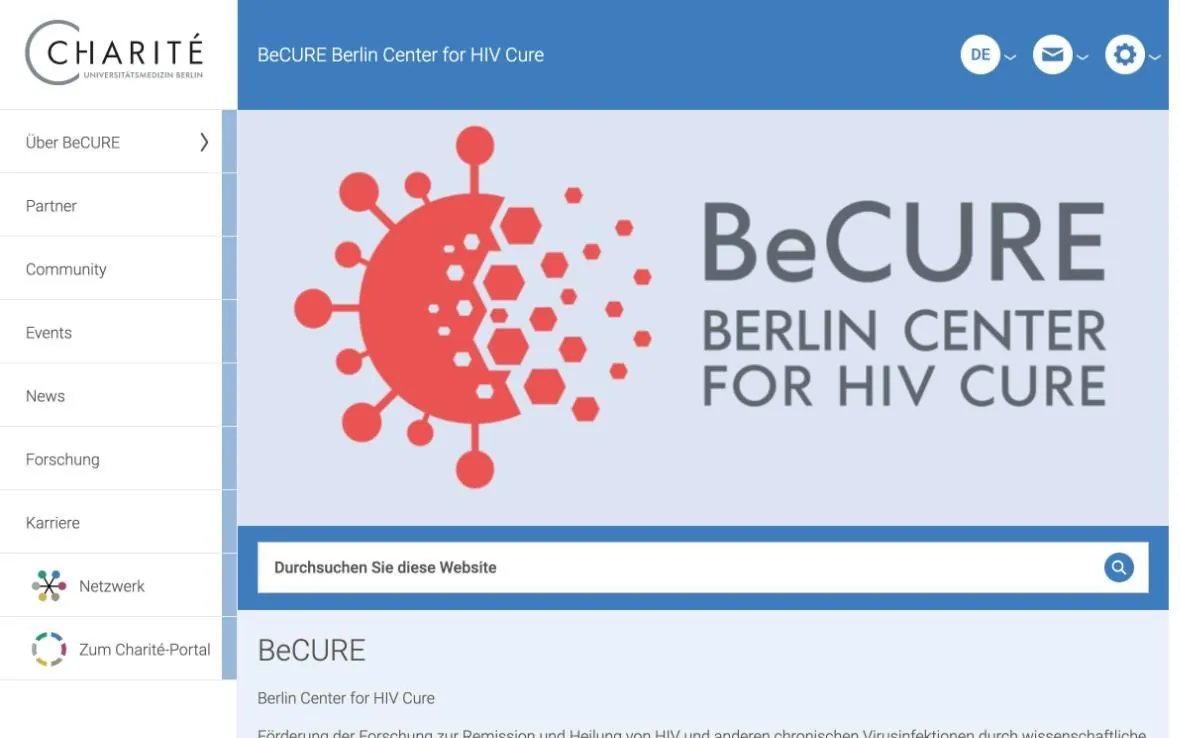
When we started working with BeCURE, a new research centre at Charité, Berlin's university hospital, it already had a web page. It lived inside the hospital's portal and looked like every other institute there: a menu down the left, a logo, a short welcome text and four boxes you had to click open to read anything. All the information was there. The page just did nothing with it.
 Before
 After
AfterAn institutional page is a filing cabinet
Most organisation websites are built the way the organisation sees itself. About us, Partners, Research, Careers, News. Every department gets a drawer. That works for people who already know what they are looking for, like a colleague who needs an address. It works badly for the people an organisation actually wants to win over: someone who arrived from a news article, a link on LinkedIn or a search, who knows nothing yet and will give you a few seconds before deciding whether to stay.
BeCURE was about to open, and nearly everyone it needed to reach was in that second group. So the question was never "where do we put the information". It was "in which order does a stranger need to hear it".
Four readers, one scroll
The centre had to speak to at least four kinds of people at the same time. Researchers who might want to work there. Journalists covering the opening. Donors and funders deciding whether to give. And people living with HIV, who want to know what any of this means for them. The usual answer is a menu item for each group, so that everyone has to find their own door.
We went the other way: one page, read from top to bottom, in an order that works for all four. Everyone starts with the same story, and everyone finds their own part on the way down. The researcher reaches the open research questions. The journalist finds the people behind the story and the opening date. The donor gets a list of what a contribution pays for. The community finds the board through which it shapes the research. Nobody has to choose a door before they know whether they care.
 1
1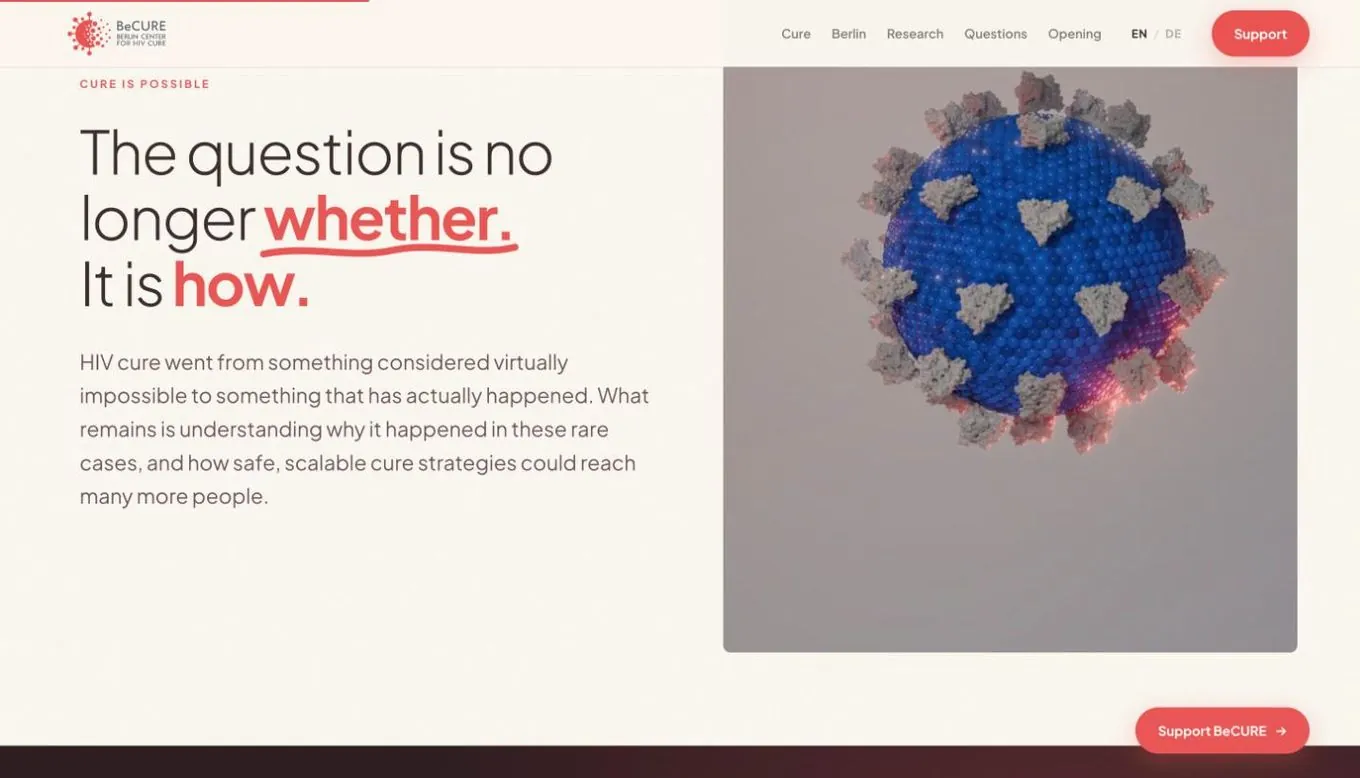 2
2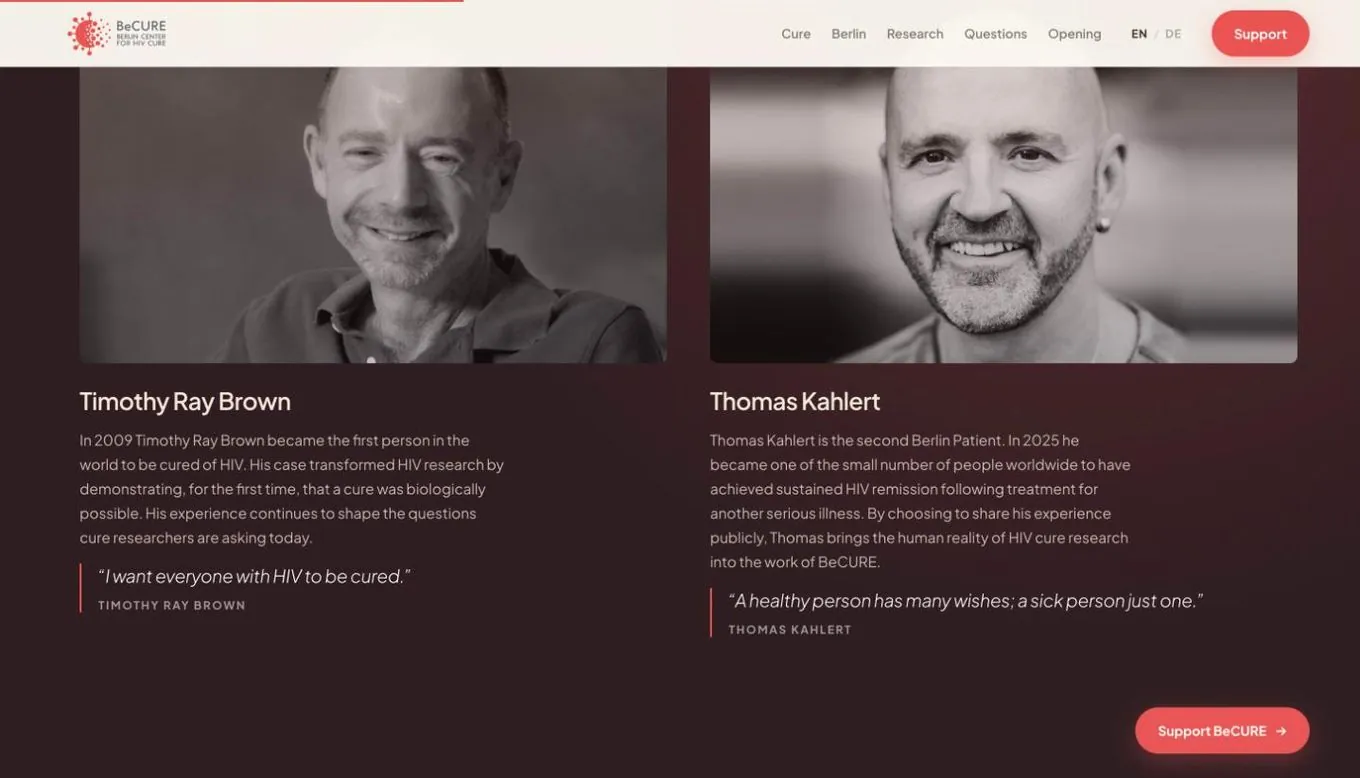 3
3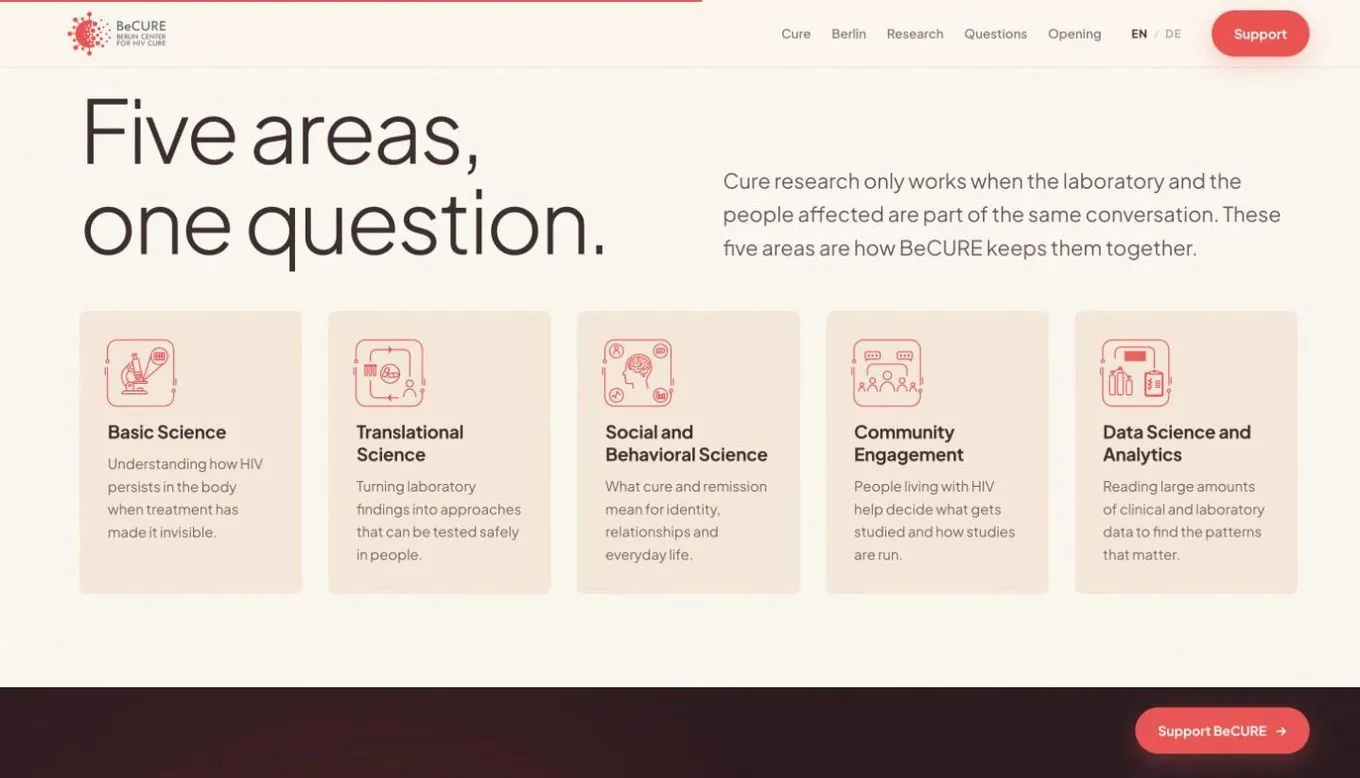 4
4The first screen decides everything
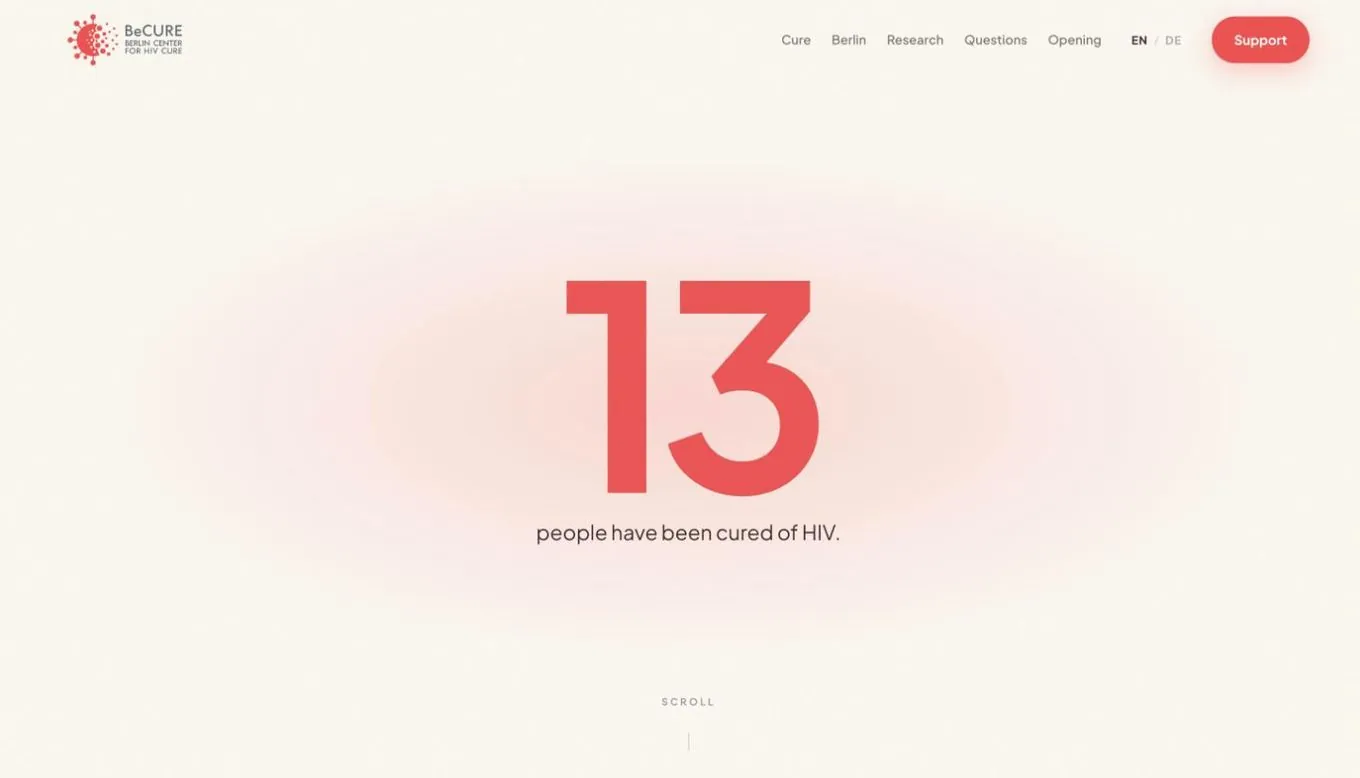
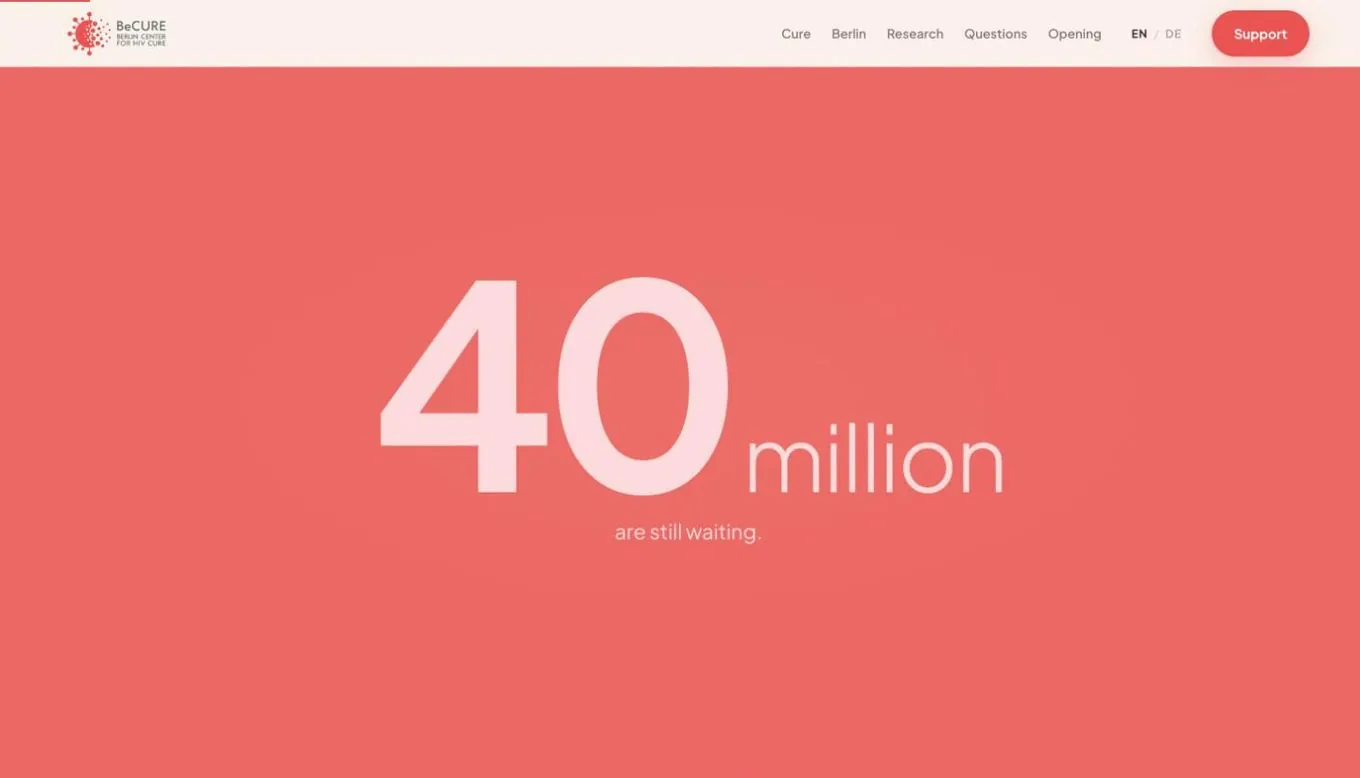
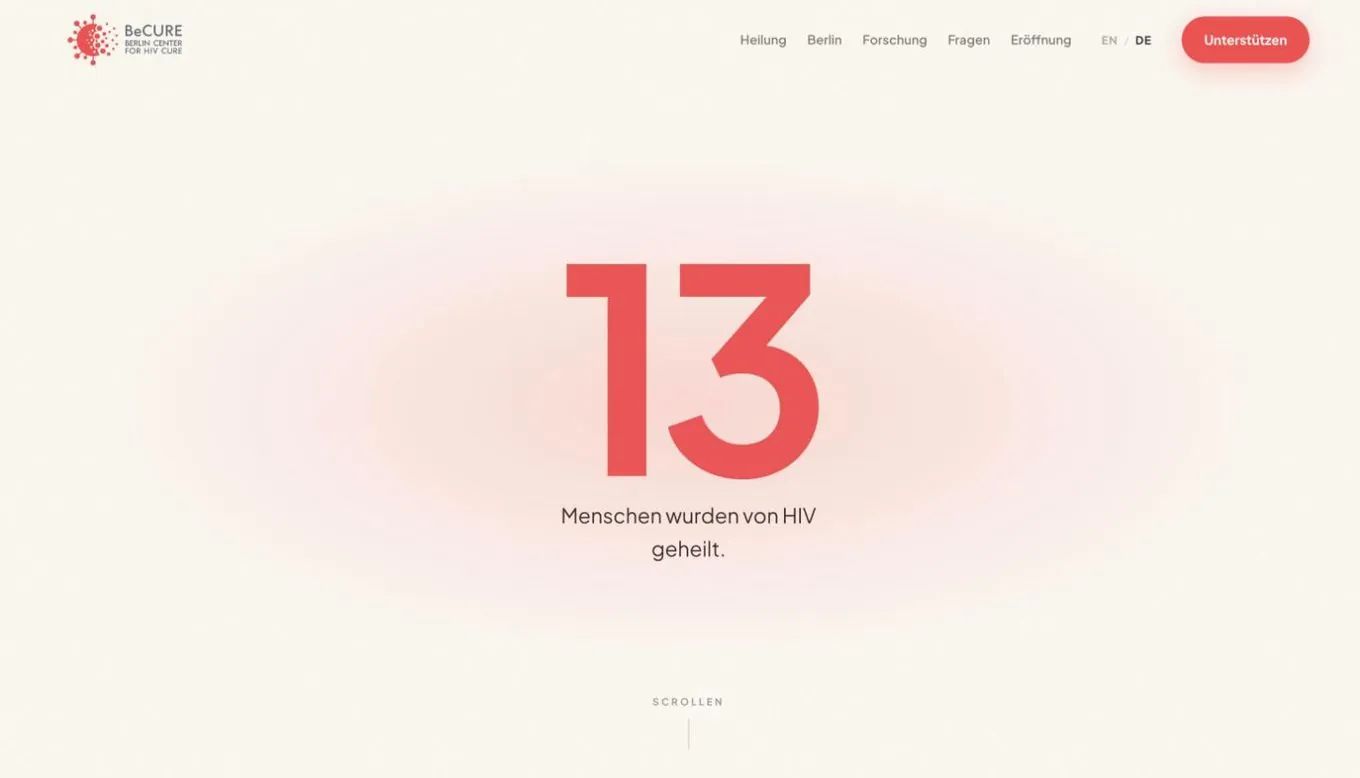
The hardest decision on any landing page is the first screen, and most organisations want their name and logo there. We put a number instead: thirteen, the people cured of HIV so far. Scroll, and it becomes forty million still waiting. Scroll again: two of those stories began in Berlin. The logo comes after that. Three scrolls in, a visitor who knew nothing about the field knows why this centre exists and why here. That is the whole job of a first screen.
Every business has its own version of that number. The year a workshop opened. The number of customers served last year. The one thing a stranger would find surprising. Finding it takes conversations, not templates, which is also why AI-built sites so often feel interchangeable.
Interactive, with a reason
Interactive does not mean decoration. On becure.org the scroll does the explaining: the numbers change as you move down, the background turns from cream to coral to the city at dusk, and a thin bar at the top shows how much of the story is left. Each movement carries one piece of the message. A static page leaves the visitor to connect the pieces on their own. An interactive one connects them in the order you chose, which is the difference between handing someone a pile of documents and telling them a story.
It also changes how long people stay with you. A list of links is something you scan and leave. A sequence is something you follow, because each screen makes you curious about the next one.
Say the difficult part plainly
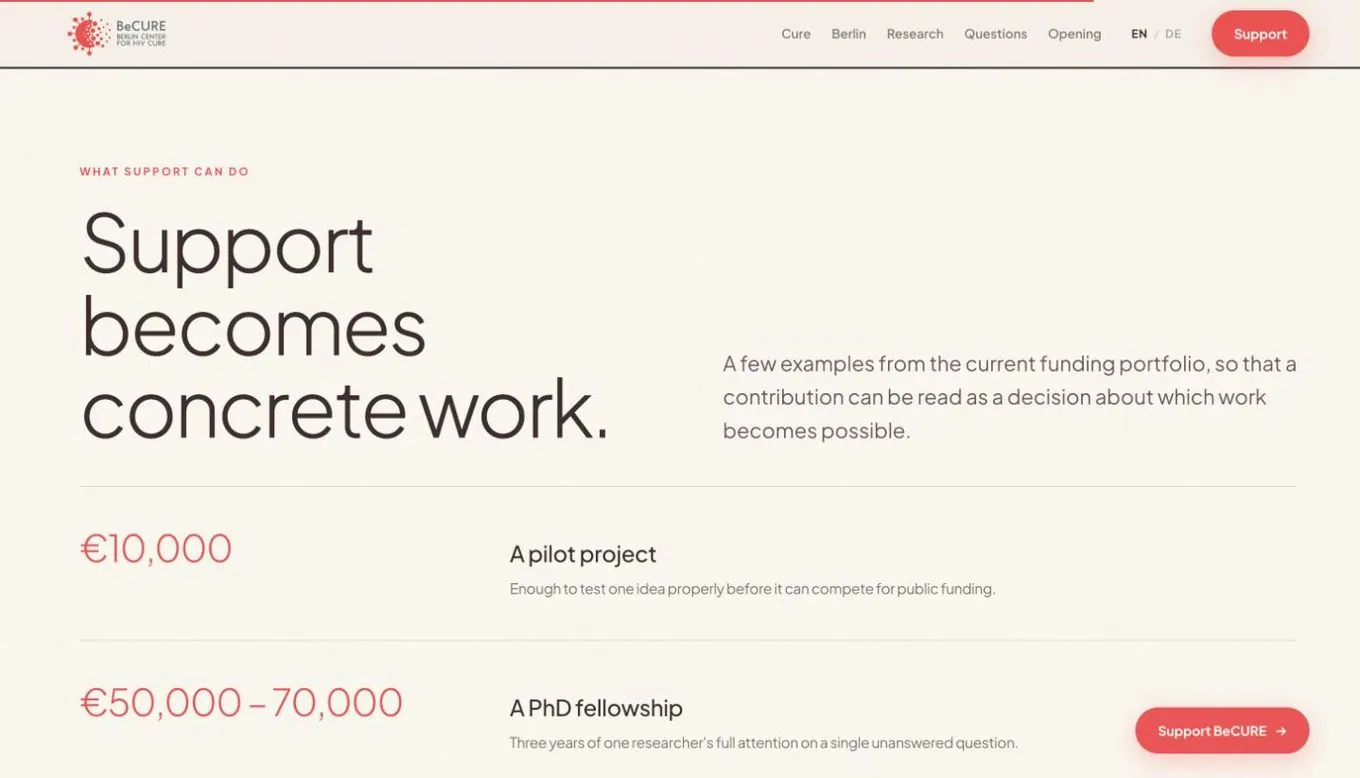
Institutional pages tend to hide the question of money behind a polite "Support us" button. The new page names amounts and says what each one does: a pilot project, a PhD fellowship, shared research equipment. A donor knows what a contribution would change before deciding whether to make it. Businesses have the same moment, the price or the effort or the commitment, and the pages that convert are the ones that address it directly instead of hoping nobody asks.
Two languages, one address
The page exists in full in English and in German, as two real versions behind one switch rather than a translation widget, so each audience reads it in its own language and search engines can find both. If you serve people in more than one language, this is how to do it without paying for ten translations.
When your business needs a landing page
Not every business does. If people come to you for one fact, opening hours or a phone number, a short page or a well-kept Google profile is enough. A landing page earns its place when one of these is true. You are launching something: an opening, a product, a campaign, a new service. You speak to several kinds of people and keep explaining the same thing in different ways. Or your current site is a list of sections that nobody reads in order, and your best argument sits three clicks deep where no one finds it.
In each of those cases the fix is the same as it was for BeCURE. Decide what a stranger needs to hear first, second and third, and build the page around that order instead of around your org chart. The centre opened on 14 October 2026.
Links
- becure.org
- becure.charite.de, the page inside the Charité portal
Adí Aviram
Design, illustration and SEO at Frisun. Adí is a creative developer, designer and illustrator. She builds websites that tell a story: scrollytelling, data visualization, interactive maps and illustration. She has worked on projects with +972 Magazine, Göttingen University and the Goethe Institute. Adí brings the colour, the motion and the character to every site you get from Frisun. About the studio